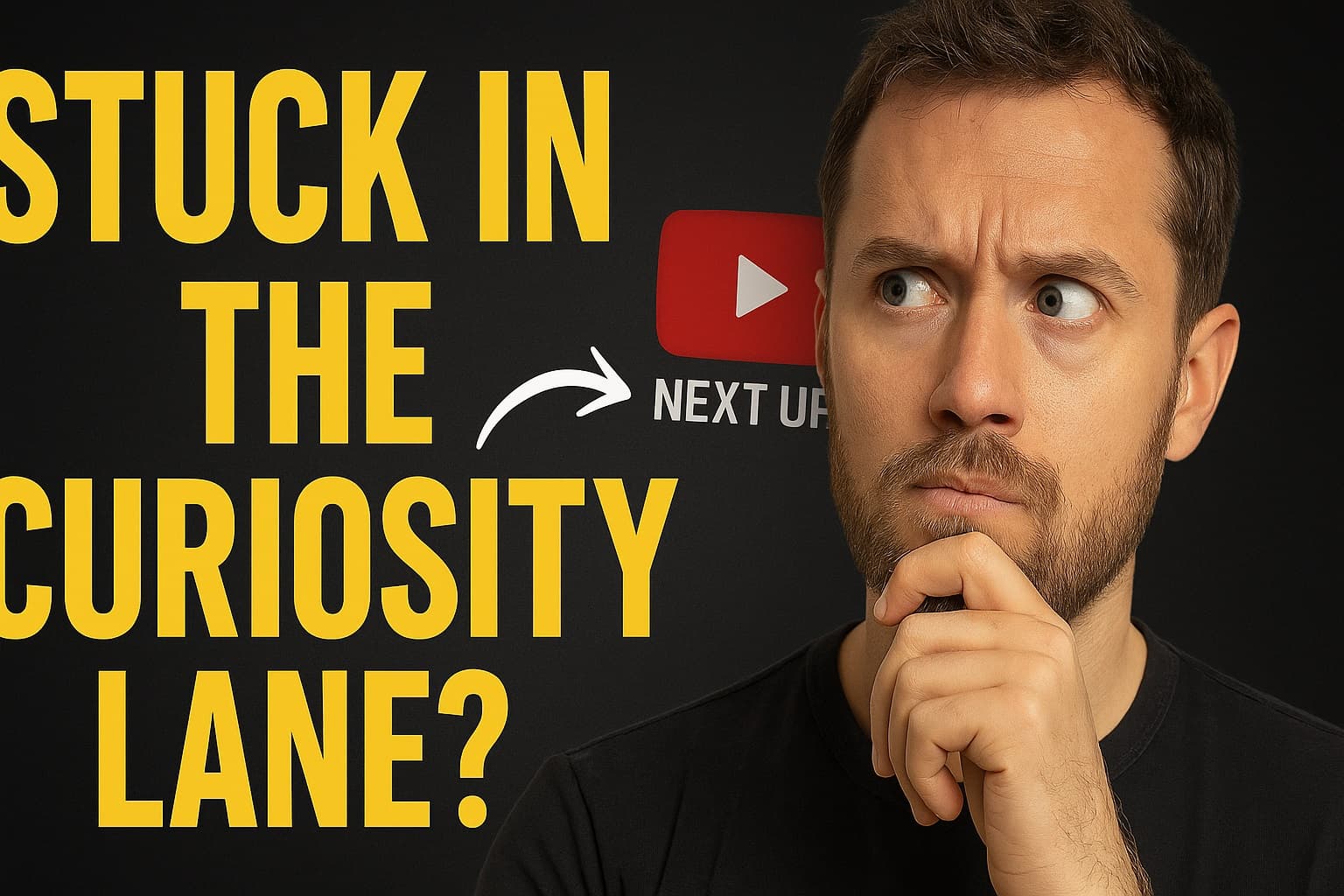
See Your YouTube Thumbnails the Way Viewers Do
(Because you’re not your audience — and that’s the whole point.)
1️⃣ Your thumbnail decides if the video paysoff.
If you’ve made your first video, you already know this.
You upload. You’re excited. You wait. No clicks. We’ve all been there.
It’s hard to get clicks.
If you’ve made a dozen videos, you understand it even better — it’s really hard to get clicks. Even your most beautiful design doesn’t guaratee.
But —
Your YouTube thumbnail decides whether all your late nights, caffeine-fueled edits, and storytelling genius actually get seen.
I learned this the hard way.
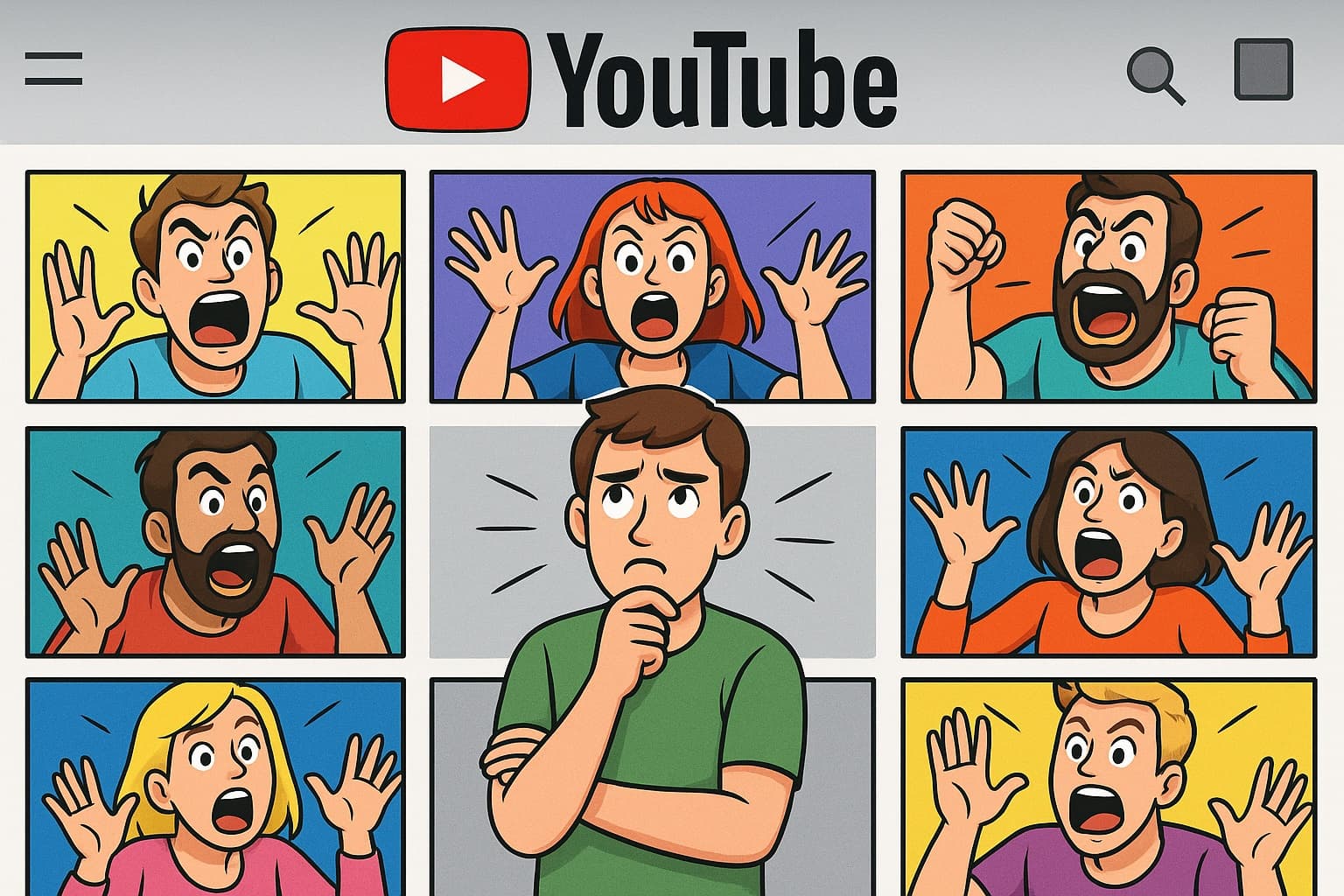
After going through countless thumbnail tutorials. I cranked the contrast to the max, boosted the saturation until my eyes hurt, and threw in all effects I could find.
But that’s not enough, I needed a face, with exaggerated emotion. Then...
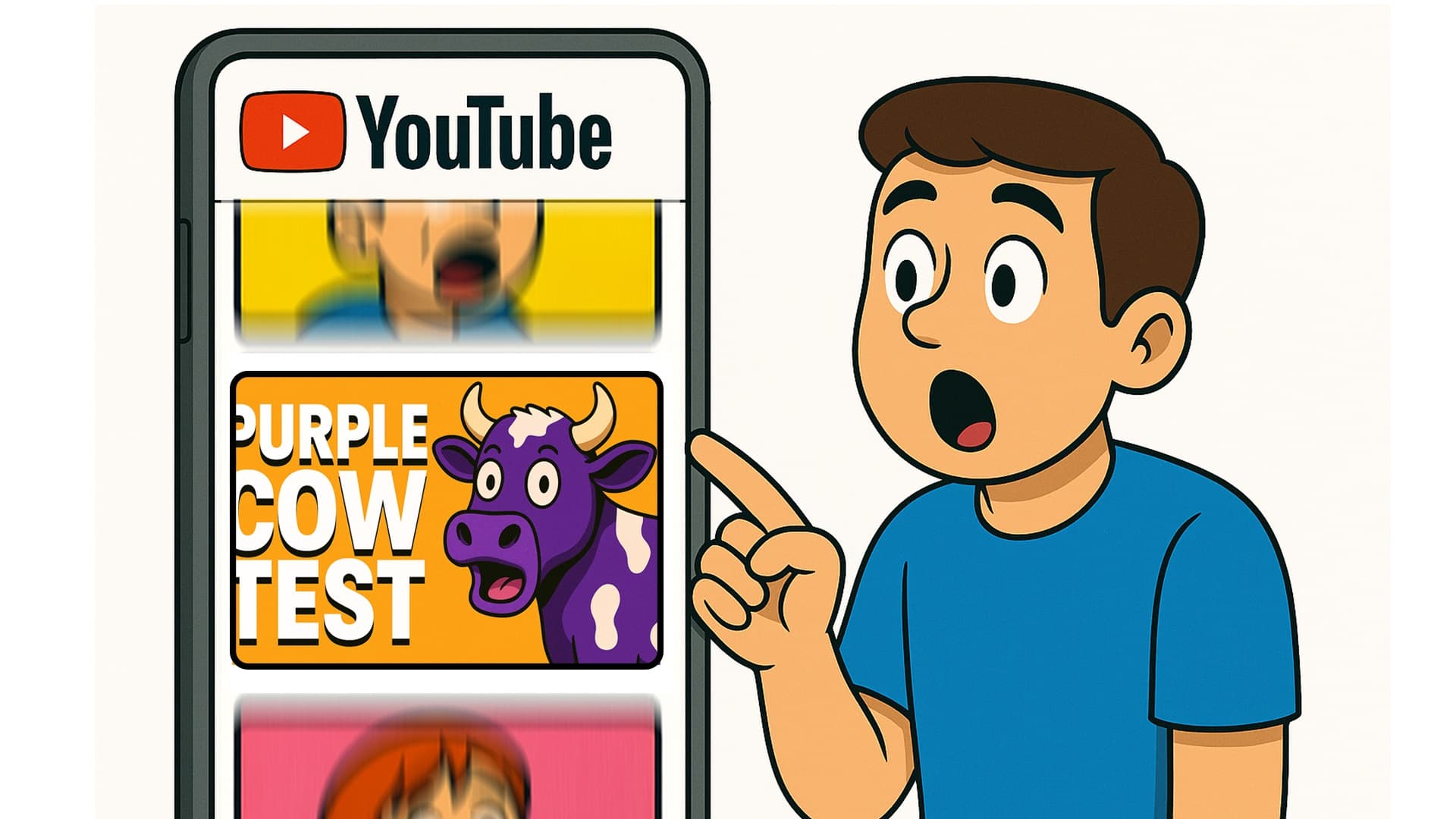
Would you click this for business advice?
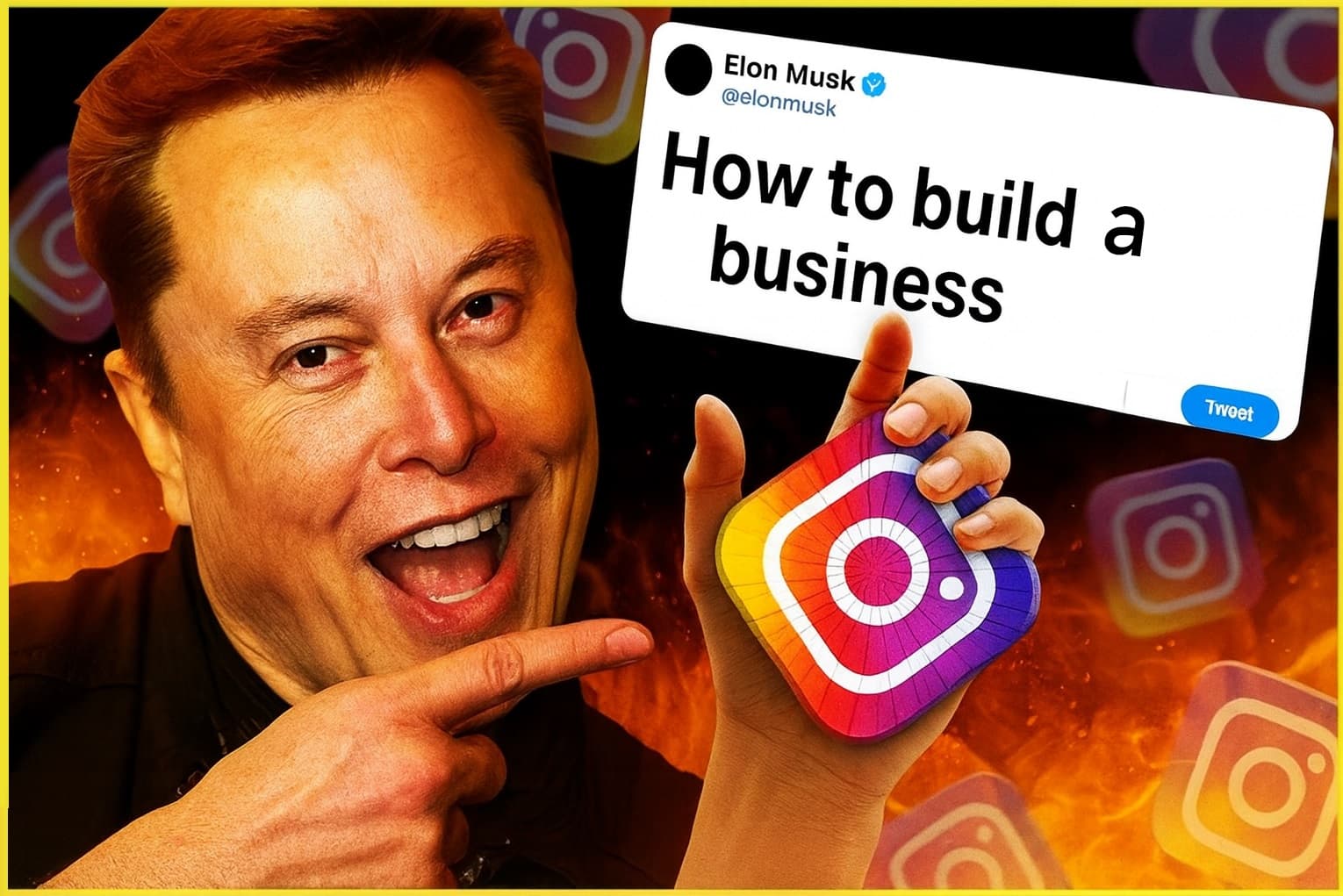
I don’t know about you, I find it bright but confusing
How about just something simple like this?
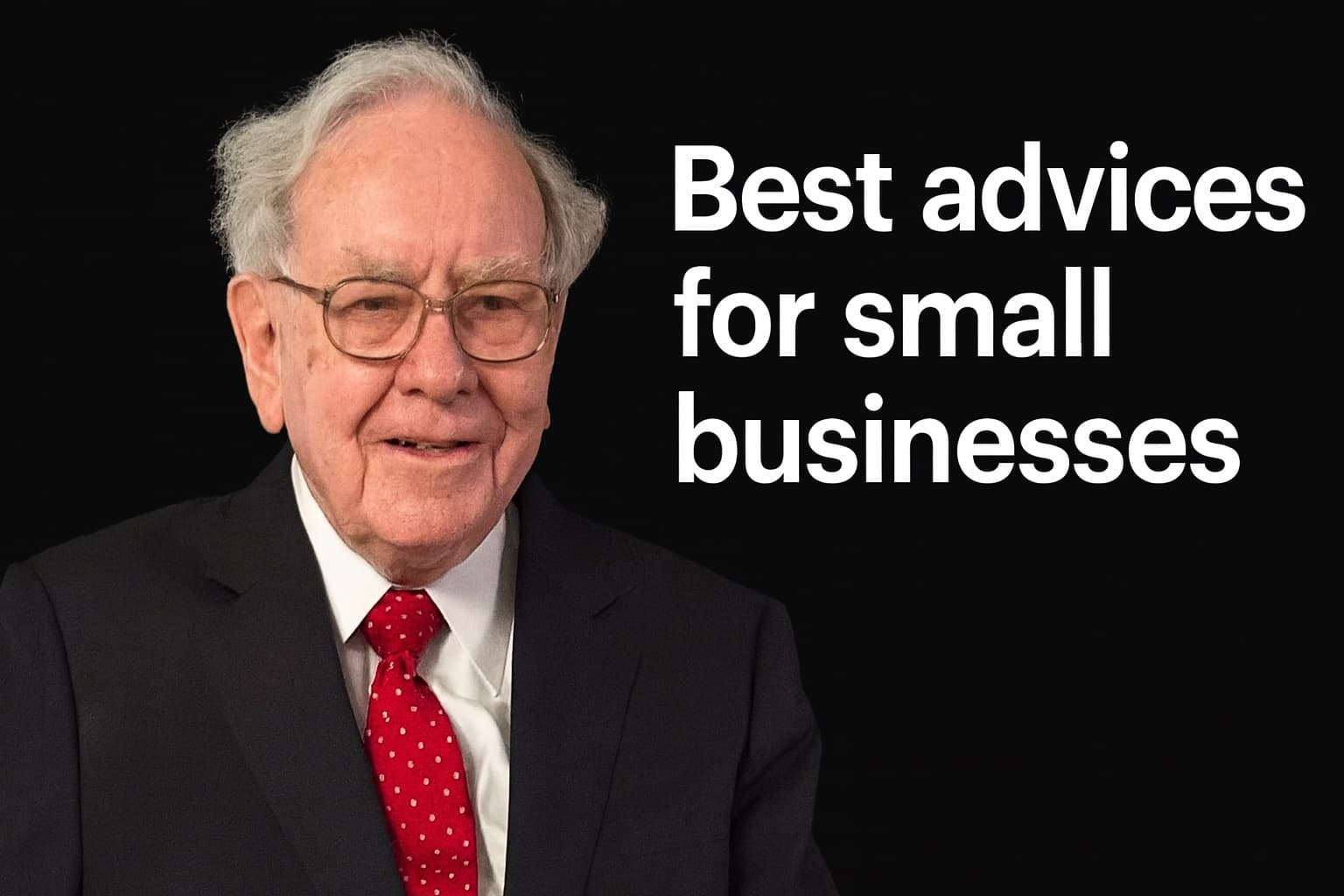
What I realized is that
It’s not just design — it’s strategy.
And in this overcrowded arena, visuals catch attention — but alignment keeps it.
That’s why the Preview tool exists — to help you see your thumbnail the way your viewers do.
Once you understand what they expect, your design choices stop being guesses — they become strategy
So what do they expect?
2️⃣ Viewers have moods — and your thumbnail has to match them.
A person on the home feed isn’t the same as someone searching “how to get more views.”
One is likely relaxed and exploring, anything could be interesting. The other is desperate, looking for an exact answer.
Different view = different mindset = different expectation.
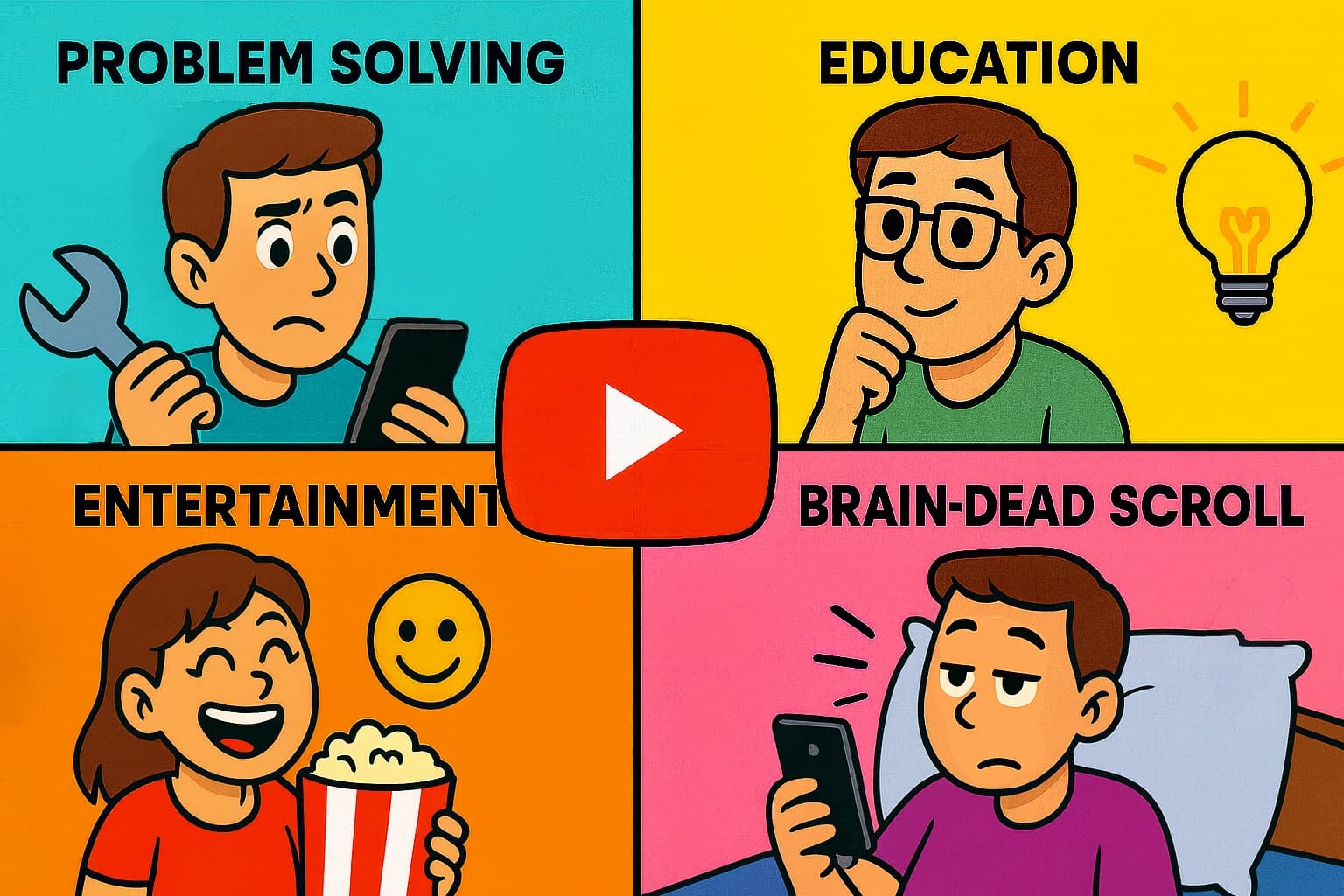
There are about four main mindsets behind most YouTube click. And if you start designing for those mindsets, you’re already steps ahead.
3️⃣ The Four Viewer Intents
Viewers come to YouTube with roughly 4 main intents.
| Intent | What They’re Doing | What They Want | What Works |
|---|---|---|---|
| 🧩 Problem Solving | Searching for answers | Fast, direct solutions | “How to ___” / “Fix this in 5 min” |
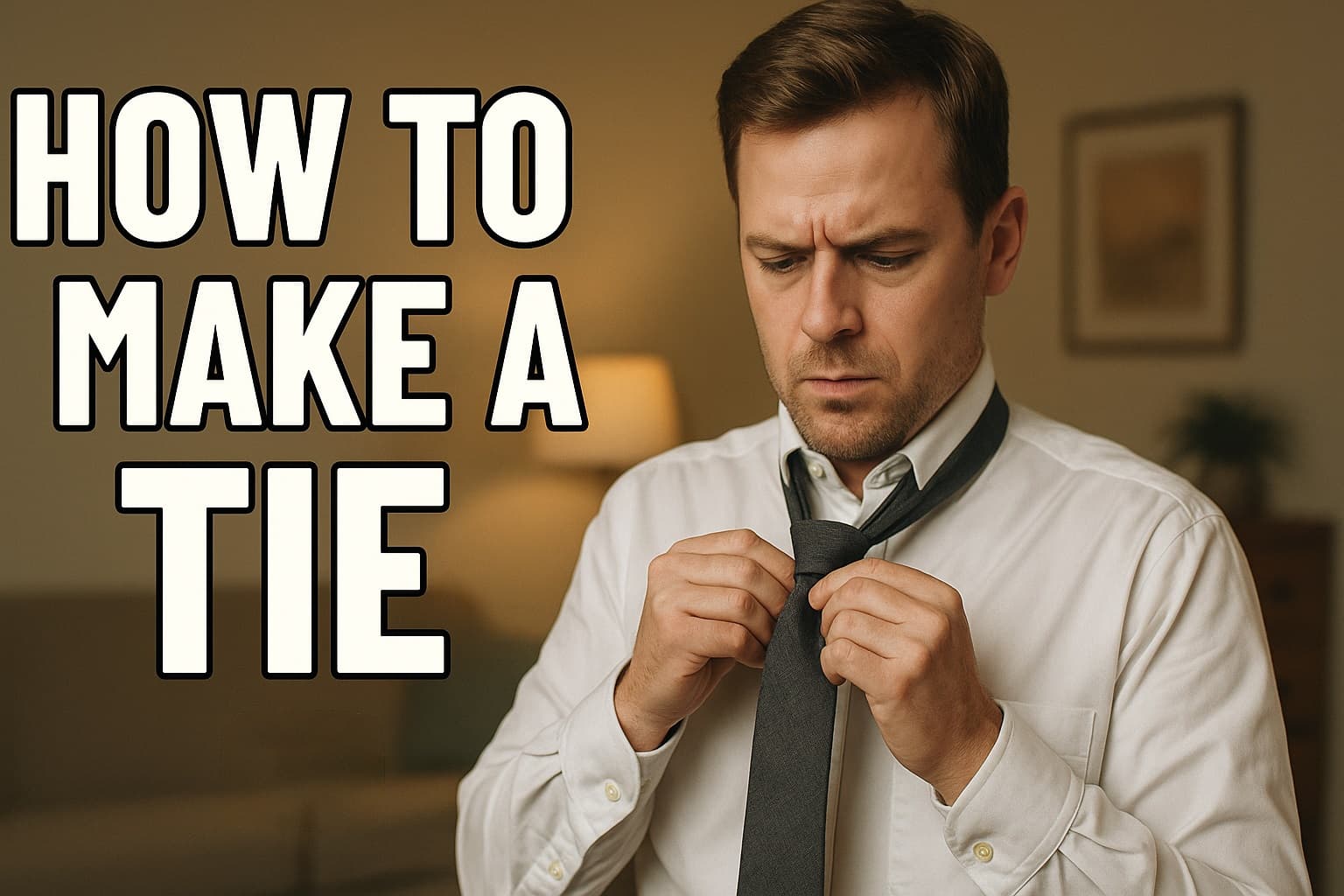 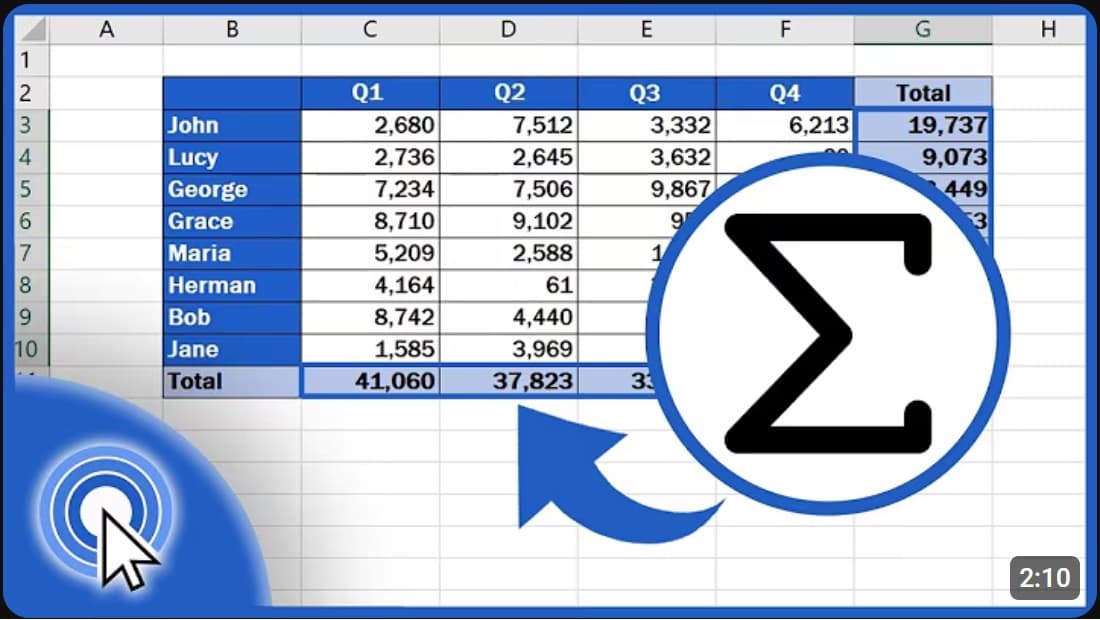 | |||
| Intent | What They’re Doing | What They Want | What Works |
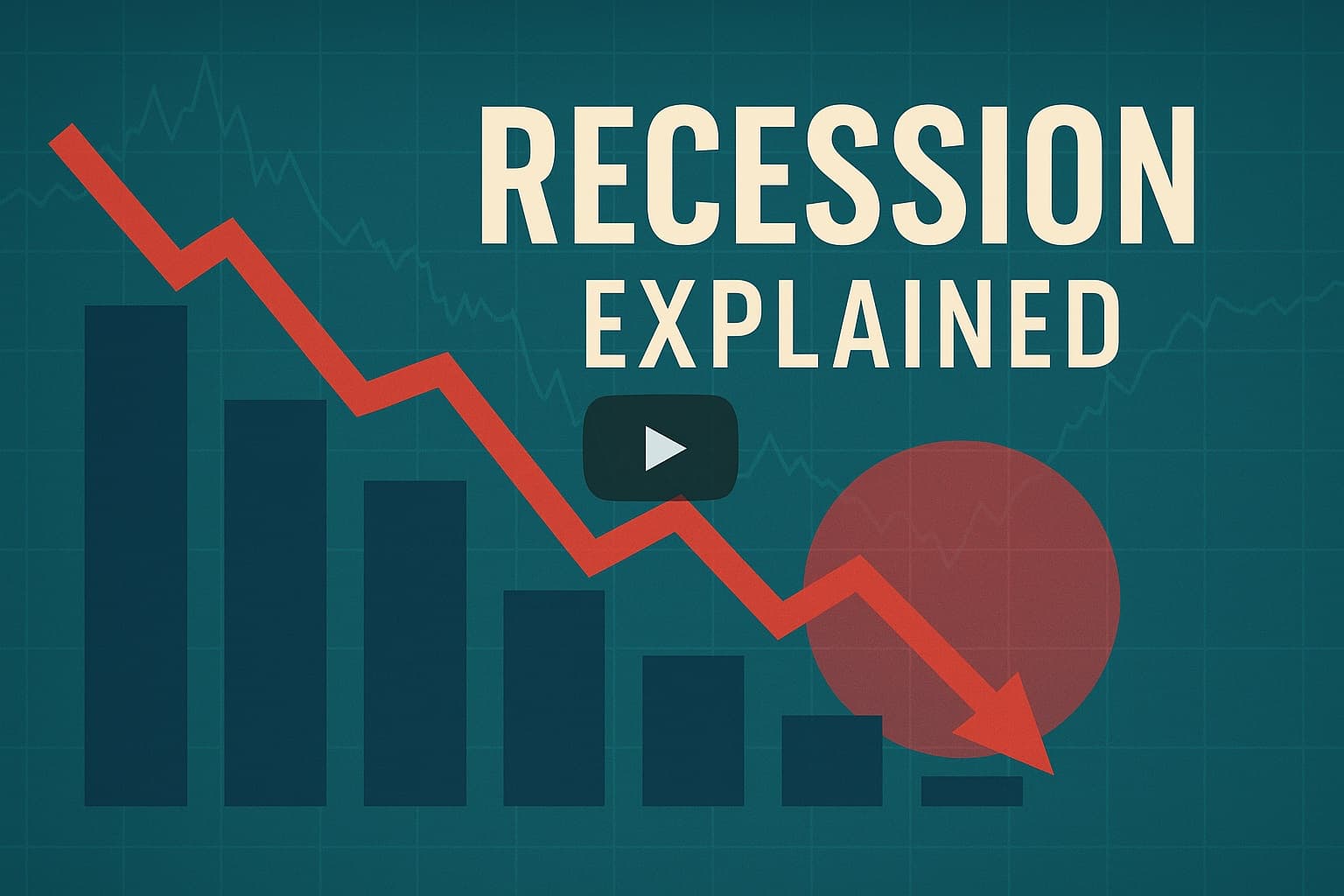
| 📚 Education | Learning or improving skills | Insight, context, understanding | Calm, topic-driven, credible |
 | |||
| Intent | What They’re Doing | What They Want | What Works |
| 🎭 Entertainment | Relaxing, escaping boredom | Emotion, novelty, curiosity | Expressive faces, storytelling |
 | |||
| Intent | What They’re Doing | What They Want | What Works |
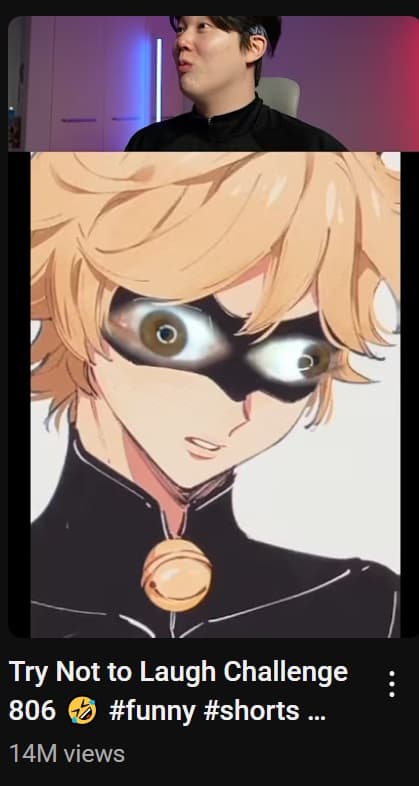
| ⚡ Brain-Dead Scroll | Uncontrollably swiping through videos | Quick dopamine hit | Bold, punchy, instant payoff |
 | |||
When one thumbnail tries to do all four intents, the message becomes unclear
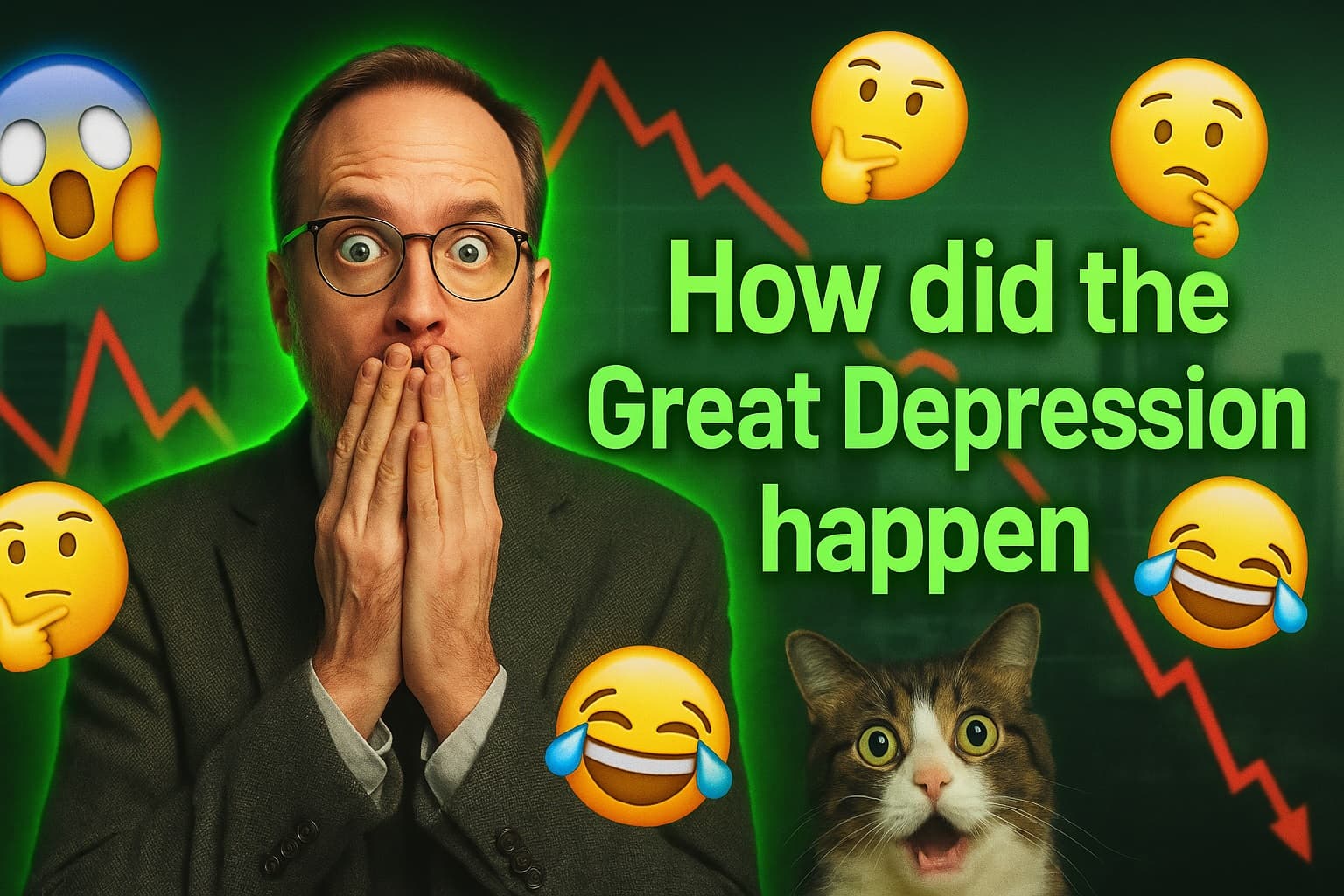
A single thumbnail doesn’t need to serve all four intents. Start with one — and speak directly to that mindset..
Every viewer scrolls for a reason — and that reason changes over time.
4️⃣ Why it matters — context changes everything.
Your thumbnail might be great — just not for that moment.
A design that feels “too serious” when the viewer’s in an entertainment mood could feel perfect in an educational mindset.
Don’t aim to please everyone.
Serve one intent clearly, so viewers know what they’re getting, and the platform knows who it’s for
In the end, it’s simple: when your message matches what people want, everything clicks
That’s why your YouTube thumbnail strategy works best when it adapts — not the other way around.
Knowing is half the battle — testing is the other half.
5️⃣ Test it. Don’t guess it.
You can’t see your own work clearly. You made it. That’s why you need to step into your viewer’s shoes.
🧠 You can quickly check:
- Shrink test: Does it still stand out at 1/3 size?
- Context check: Does it fit the viewer’s mood or intent?
- Emotion test: What does it make you feel in 0.5 seconds?
Use Preview to check your YouTube thumbnails in different views. See if your design still stands out at one-third size — or if it melts into the noise.
If it doesn’t stand out, tweak it. You’ll feel the difference in your CTR.
You can use the Preview tool to sanity-check these quickly →
6️⃣ Final thought — good thumbnails don’t trick people.
Great thumbnails don’t lie; they translate.
They turn your story into one frame that instantly connects with the right audience.
See like a viewer, not a designer.
Speak to the mind, not just the eyes.
And if you’re not sure what your audience sees — that’s exactly what the Preview tool is for.
Go see your YouTube thumbnail like your viewers do — before they scroll past it.