1️⃣ Why Scores Exist — Not to Judge You, but to Guide You
Design isn’t a beauty contest.
It’s alignment.
Every thumbnail either fits what viewers expect — or fights it.
That’s what the AI-Analyzer measures:
how well your design aligns with real human psychology.
Each score (Clickability, Clarity, Relevance, Emotion, Branding) tells you where your idea connects — and where it leaks.
It’s not about perfection.
It’s about knowing what to fix first.
TL;DR: Don’t chase a perfect score.
Use it like a compass — to find your next smart move.
2️⃣ Four Contexts, Four Mindsets — One Analyzer
If you’ve read the previous guides, you already know:
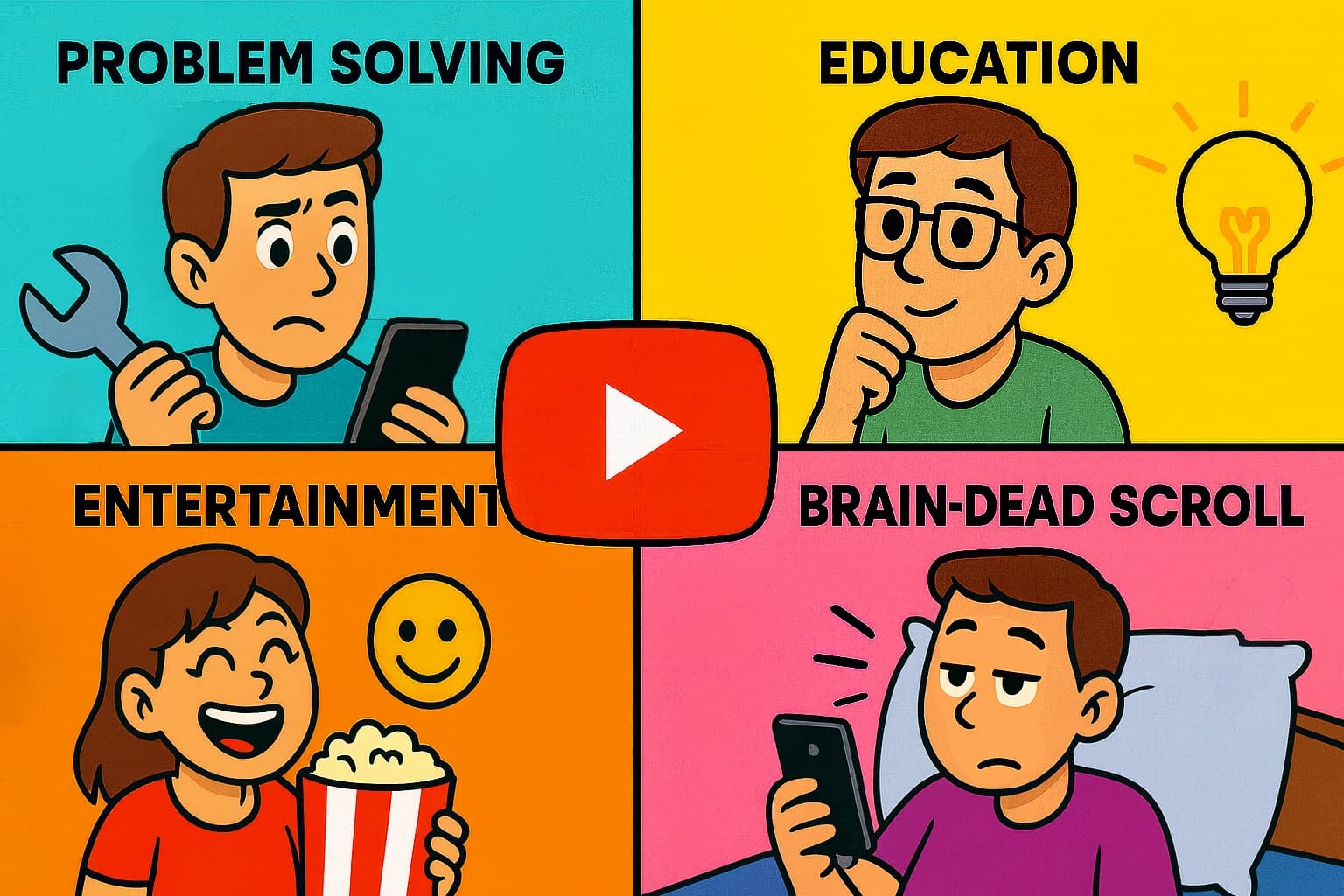
| Context | What the viewer is doing | What matters most |
|---|---|---|
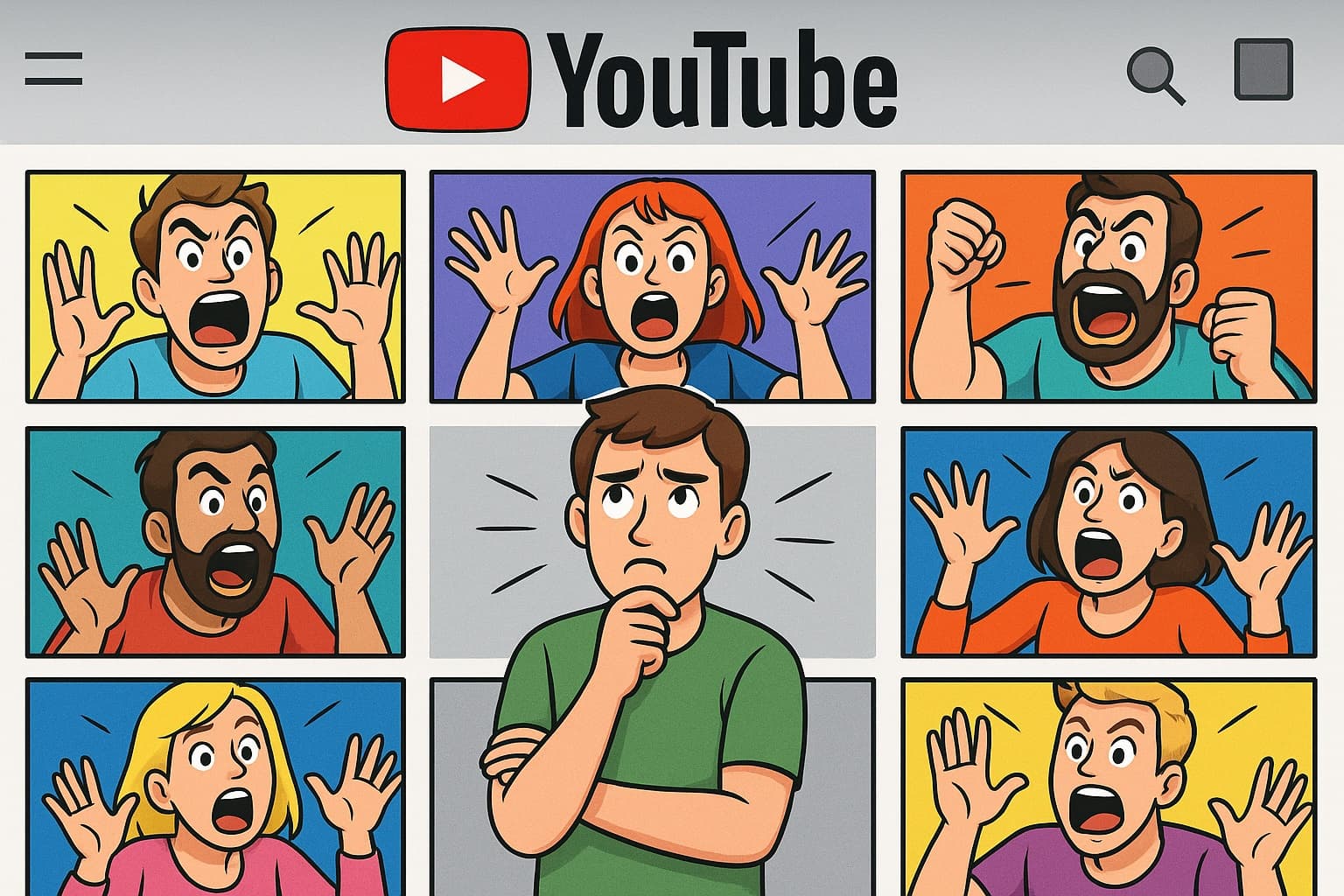
| 🏠 Home Feed | Wandering with limited attention | Clickability + Branding |
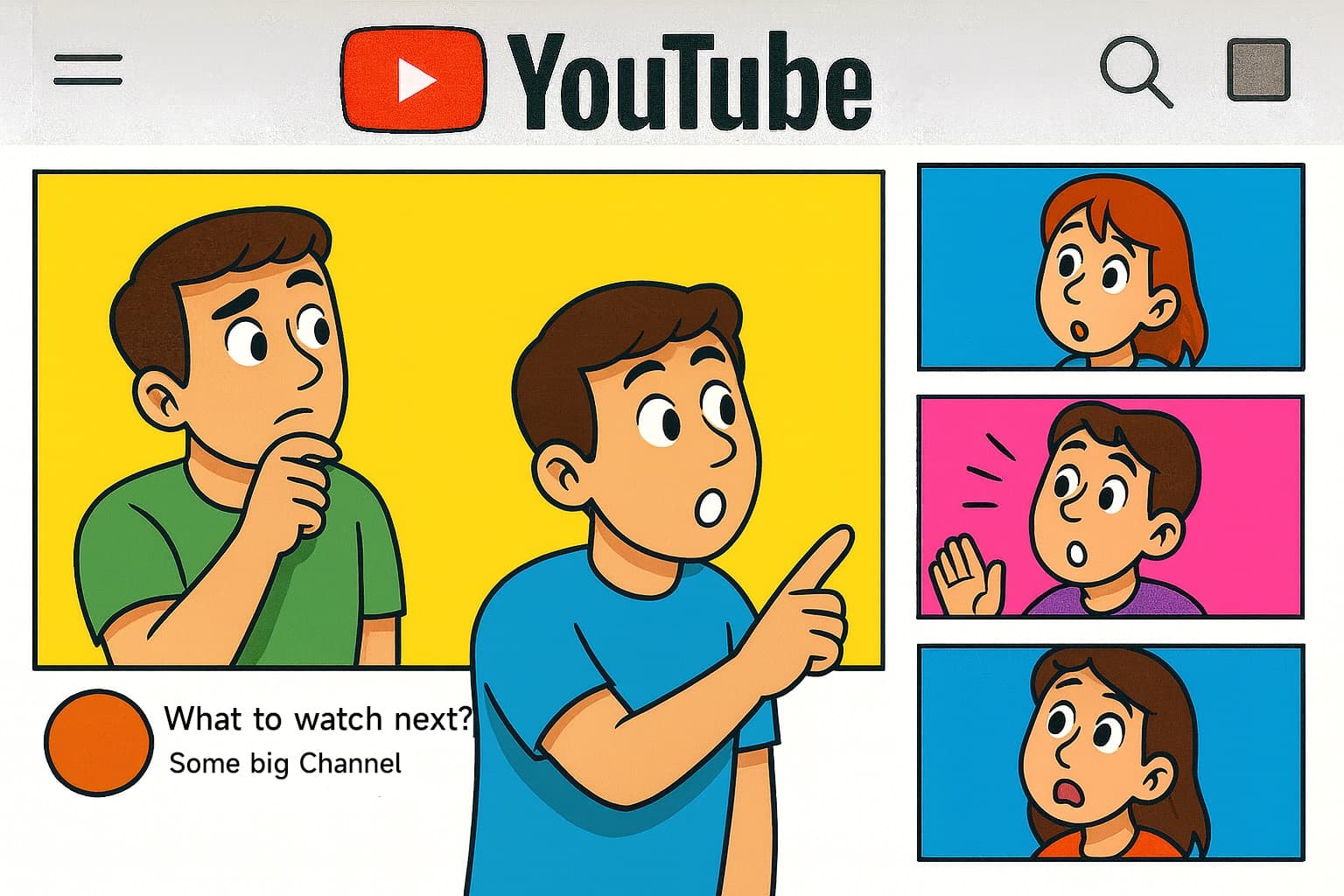
| 🎯 Suggested Videos | Continuing a topic | Relevance + Clarity |
| 📱 Mobile Scroll | Half-distracted swiping | Clickability + Emotion |
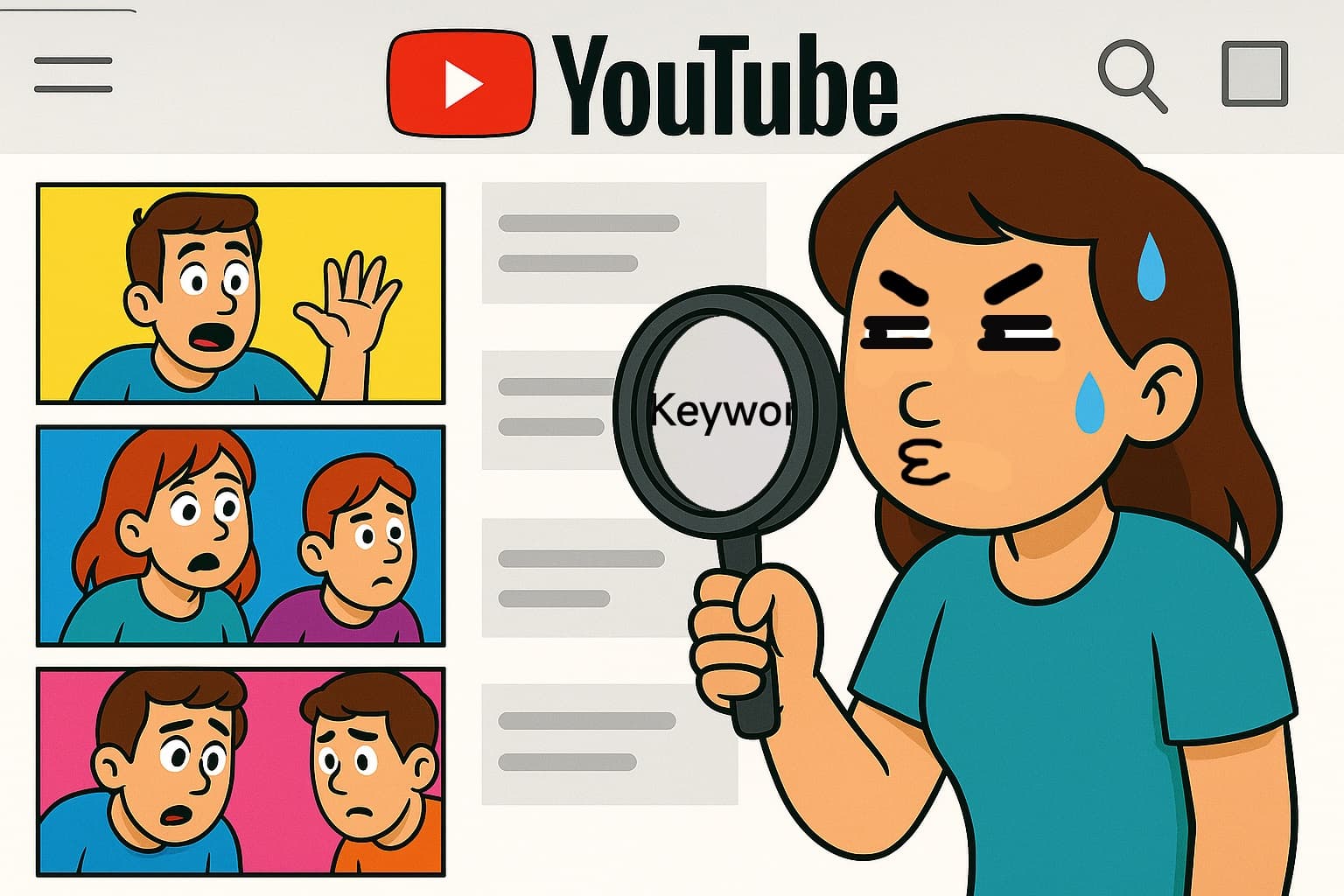
| 🔍 Search View | Problem-solving with intent | Clarity + Relevance |
Each view has its own psychology, and each psychology changes which scores matter most.
That’s why the Analyzer works like a “context switcher.”
When you change the view — Home, Suggested, Mobile, or Search —
the weight of each score automatically shifts.
Different battlefield.
Same weapon — but tuned for that fight.
3️⃣ The Five Core Metrics — and What They Actually Mean
🧠 Clarity — “Can I understand this in 0.3 seconds?”
If people can’t tell what your video is about, they won’t even read the title.
Low clarity looks like:
- Too many elements
- Words smaller than your thumbnail preview
- Complex lighting or overlapping colors
Fix it by:
- Focusing on one main subject
- Reducing colors and text
- Turning abstract ideas into visual nouns (objects people instantly recognize)
🎯 Relevance — “Does this fit what I’m looking for?”
Viewers don’t want random — they want connected.
Low relevance looks like:
- A thumbnail that doesn’t match the topic or title
- A mood that feels off for the context
- Symbols or visuals that mislead the searcher
Fix it by:
- Matching the tone and key objects of similar videos
- Using real keywords or familiar imagery
- Showing continuity — not chaos
⚡ Clickability — “Do I feel a reason to click right now?”
Clickability is urgency plus clarity.
It’s the “What’s in it for me?” test.
Low clickability looks like:
- Neutral faces, no tension
- Flat results (“just a picture of something”)
- No clear promise or payoff
Fix it by:
- Showing conflict or result (“Before / After”)
- Using bold contrasts or strong directional lines
- Making your promise visible — not just readable
❤️ Emotion — “Does it make me feel something?”
Logic gets attention. Emotion gets action.
Low emotion looks like:
- No reaction or movement
- Bland color palette
- Perfect design that feels robotic
Fix it by:
- Adding expressions or motion cues
- Introducing an odd element that creates curiosity
- Playing with lighting and framing to amplify the mood
🪶 Branding — “Do I recognize you without reading?”
Branding builds familiarity. But it’s seasoning, not the meal.
Low branding looks like:
- Every thumbnail looks different
- Your corner logo or tone disappears
- You look like everyone else
Fix it by:
- Keeping a consistent corner mark or accent color
- Using one recognizable visual trait (font, tone, lighting)
- But always make clarity > logo
⚠️ Red-Line Rules
- High Clickability + Low Relevance = clickbait → low retention
- High Emotion + Low Clarity = “wow” → scroll away
- High Branding + Low Clarity = self-promotion → no clicks
4️⃣ How to Use the Analyzer
Upload up to 6 thumbnails
Drag, drop, or click to upload.
Resolution helps, but message clarity matters more than pixels.Get the AI Review
Click “Get Review.”
Instantly see how your design aligns with viewer psychology and curiosity.Read the Radar
The radar visual shows which areas are strong — and which break the alignment.Select a Viewing Context
Switch between Home / Suggested / Mobile / Search.
Watch how weights shift — that’s your battlefield lens.Act, Don’t Admire
Start with the lowest score that appears first in the viewer’s decision sequence.
— In Search → fix Clarity first
— In Mobile → fix Clickability
— In Suggested → fix Relevance
— In Home → refine Branding + ClickabilityUse the Youtube Preview
Preview how your thumbnail looks beside real YouTube videos.
Does it blend in — or hold its ground?Iterate Intelligently
Change one thing.
Test again.
Keep what improves the score and still fits your story.
✳️ Rule of thumb: One edit, one test.
Never change everything at once — you’ll never know what worked.
5️⃣ Quick Fix Reference
| Metric | First Fix | Second Fix | Visual Reminder |
|---|---|---|---|
| Clarity | Enlarge subject | Reduce text | “Understandable in 0.3s” |
| Relevance | Add topic keyword | Include matching object | “Feels connected” |
| Clickability | Show contrast / conflict | Show result | “Visible promise” |
| Emotion | Add reaction / motion | Light and color contrast | “Makes me feel” |
| Branding | Keep consistent corner / tone | Don’t overpower message | “Recognizable but clear” |
6️⃣ Common Mistakes
- Chasing 100/100 — instead of relevance per context.
- Improving design, ignoring psychology.
- Fixing every score at once (no learning).
- Forgetting that each scene has its own gravity.
Remember: the AI isn’t grading you.
It’s showing where the human brain gets lost.
7️⃣ The Real Goal — Build Iteration as a Habit
Winning thumbnails aren’t made. They’re refined.
The Analyzer teaches you the same reflex YouTube teaches viewers:
see → test → react → repeat.
You don’t need to impress the AI.
You just need to learn faster than everyone else.
That’s how you turn five numbers into one result:
more people seeing what you worked so hard to create.
8️⃣ Next Steps
- Try AI-Analysis (Free) → Upload → Get Review → Adjust
- Open YouTube Preview → Test your thumbnail in real YouTube feeds
- Sign Up → Unlock goal-based advice & version tracking
Summary Takeaways
- Scores aren’t judgment — they’re direction.
- Each viewing context changes which score matters most.
- Always fix clarity before creativity.
- Use “One Edit → One Test” to learn faster.
- Align design with psychology, not just aesthetics.
- Clarity catches eyes. Relevance earns trust.